For dedicated US gamers, balancing a demanding job and family life with precious gaming hours means every component in their rig must perform flawlessly. The power supply unit, or PSU, is often overlooked but it is the silent workhorse behind every epic raid and clutch victory. A sub-par PSU can lead to frustrating crashes, instability, and even damage expensive components. This comprehensive guide navigates the sometimes-confusing world of power supplies, offering a breakdown of the best PSU brands for 2026. We'll help you identify reliable, efficient, and budget-friendly options that ensure your gaming sessions are uninterrupted and optimized, allowing you to maximize your limited playtime without worrying about hardware hiccups. Discover how to choose a PSU that perfectly supports your system and gaming lifestyle.
What are the main advantages of investing in a premium PSU brand?
Investing in a premium PSU brand like Seasonic or Corsair offers superior build quality, higher efficiency (often 80 Plus Gold or Platinum), better ripple suppression for cleaner power delivery, and typically much longer warranties (7-10 years). These factors lead to greater system stability, enhanced component longevity, and quieter operation, making it a wise choice for serious gamers who want reliability.
How does a PSU's efficiency rating impact my gaming experience?
A higher PSU efficiency rating, such as 80 Plus Gold, means less power is wasted as heat, leading to several benefits for gamers. It translates to lower electricity bills over time, a cooler running PSU, and often quieter operation as the fan doesn't need to spin as fast. More importantly, efficient PSUs tend to provide cleaner, more stable power, which can prevent system instability and crashes during intense gaming sessions.
Which PSU brands are known for quiet operation, ideal for immersive gaming?
For gamers prioritizing quiet operation, brands like be quiet! and Noctua (though Noctua doesn't make full PSUs, their fans are often in quiet-focused PSUs) stand out. Many high-end units from Seasonic, Corsair, and EVGA also feature fanless modes at low loads or larger, high-quality fans designed for silent performance. Always check specific model reviews for actual noise levels under load.
Can a cheap, generic PSU damage my expensive gaming components?
Yes, absolutely. A cheap, generic PSU often lacks essential safety protections (like OVP, OCP, SCP) and uses low-quality components that can fail catastrophically. This can send unstable voltages or surges through your system, potentially frying your CPU, GPU, motherboard, or storage. It's a risk not worth taking for expensive gaming hardware.
Is a modular PSU worth the extra cost for a typical gamer?
For most gamers, a fully modular PSU is definitely worth the extra cost. It allows you to connect only the cables your system needs, significantly improving cable management within your PC case. This leads to better airflow, a cleaner aesthetic, and makes upgrading or troubleshooting much easier, saving time and frustration for busy individuals.
How important is the brand's warranty and customer support for a PSU?
The PSU's warranty and the brand's customer support are extremely important. A long warranty (e.g., 7-10 years) signifies the manufacturer's confidence in their product's durability. Reputable brands with good support will quickly address any issues, providing peace of mind and protecting your investment, which is crucial for gamers relying on their rig daily.
What specific features should I look for in a PSU for a high-end 2026 gaming PC?
For a high-end 2026 gaming PC, look for an 80 Plus Gold or Platinum efficiency rating, fully modular cabling, sufficient wattage (850W+ for top-tier GPUs), and essential safety protections (OVP, OCP, OPP, SCP, OTP). Also, ensure it has the correct connectors for modern components, like the 12VHPWR connector for NVIDIA RTX 40-series GPUs, and prioritize brands known for reliability and long warranties.
Hey, fellow gamers! Ever been deep into a raid, about to nail that headshot, or just relaxing with friends in a cozy new game, only for your screen to suddenly go black? Or maybe you've noticed strange stutters, freezes, or even random reboots during intense moments? It's a frustrating reality for many, especially when you're balancing a busy job, family time, and those precious few hours you get to unwind with your favorite digital worlds. You spend good money on a killer GPU and CPU, but often, the silent hero (or villain) of your system, the Power Supply Unit or PSU, gets overlooked.
In 2026, with game graphics pushing boundaries and components demanding more stable, clean power, a reliable PSU isn't just a suggestion; it's essential. US gamers, with 87 percent playing regularly and many clocking over 10 hours a week, know the value of uninterrupted play and performance. This isn't about chasing the latest hype; it's about smart investments that optimize your relaxation, skill-building, and social play. A poor PSU can cause instability, hinder performance, and even shorten the lifespan of your expensive components. But with so many options, how do you pick the best PSU brands without getting bogged down in tech jargon?
Don't worry, we're here to cut through the noise. This guide is built specifically for you, the adult gamer who values performance, reliability, and value for money. We'll walk you through everything you need to know about choosing the best PSU brands, ensuring your rig runs smoothly, quietly, and efficiently, letting you focus on what truly matters: having fun and dominating the leaderboards.
Why is a Reliable PSU So Crucial for Your Gaming Rig?
Think of your PSU as the heart of your PC. It's responsible for taking the raw AC power from your wall outlet and converting it into the stable DC power that every single component in your computer needs to function. From your CPU and GPU to your SSDs and fans, they all rely on clean, consistent power. A weak or unreliable PSU can lead to system instability, random crashes, poor performance during peak loads, and even hardware damage. For gamers who demand peak performance and stability, especially during competitive play or long sessions, a quality PSU is non-negotiable. It protects your investment and ensures your gaming experience remains smooth.
What are the Best PSU Brands Gamers Should Consider in 2026?
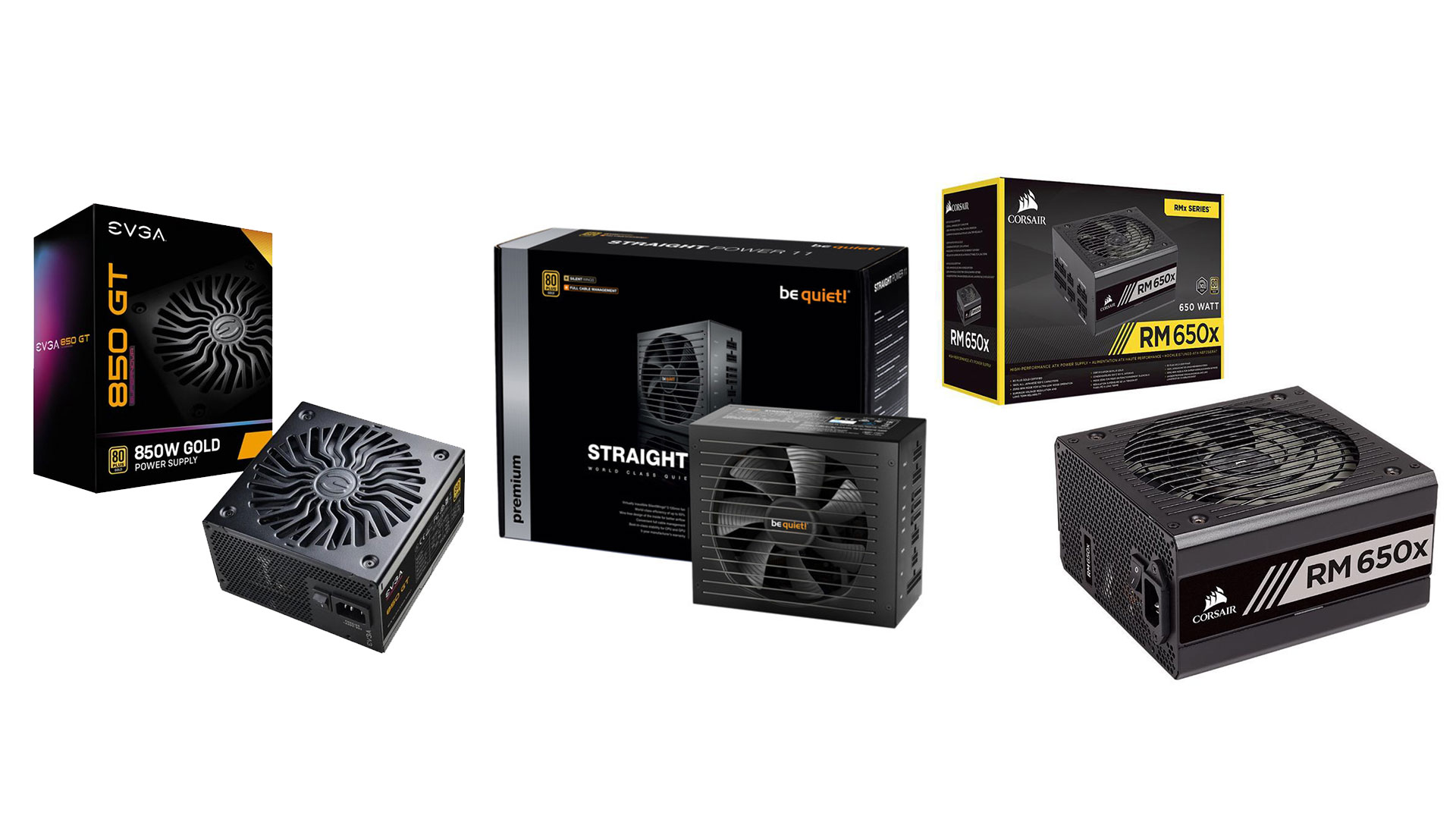
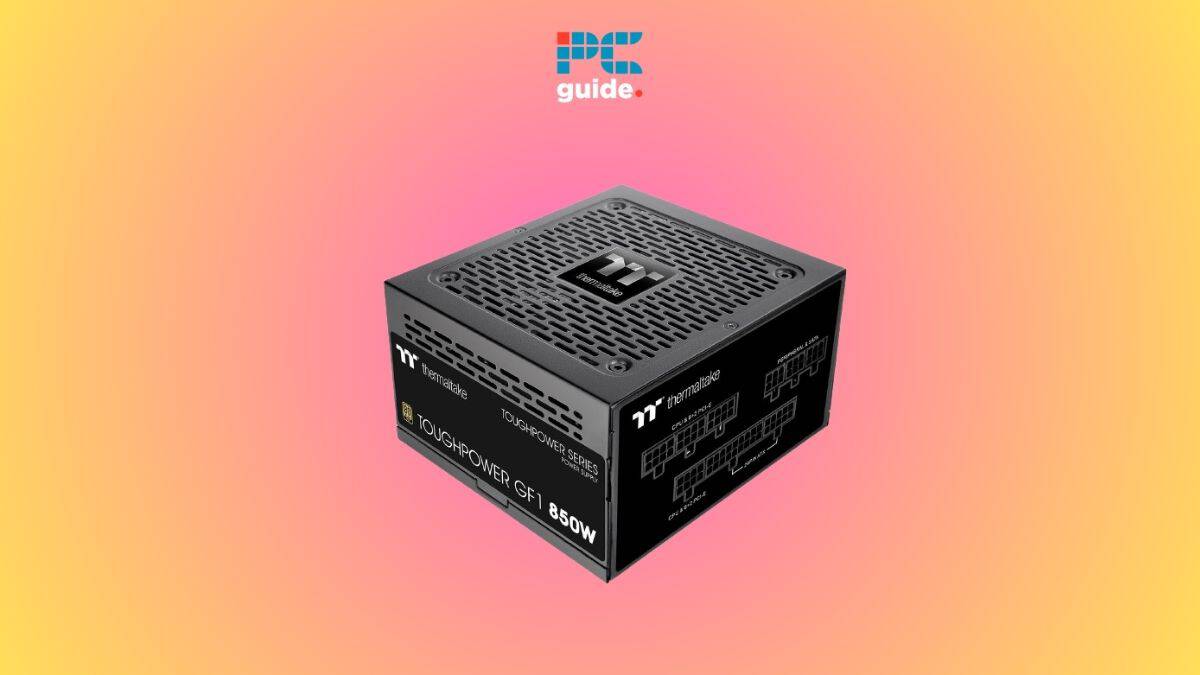
When it comes to the best PSU brands, several names consistently rise to the top for their reliability, efficiency, and excellent warranty support. This month's data continues to show these brands as favorites among builders and enthusiasts. Leading the pack are Corsair, Seasonic, and EVGA. Corsair offers a wide range of PSUs across all budgets, known for their strong performance and good value. Seasonic is often praised for its exceptional build quality and long-term reliability. EVGA, while also making GPUs, delivers robust and highly efficient PSUs. Other strong contenders include be quiet! for incredibly silent operation, Cooler Master for a balance of performance and price, and Thermaltake for various innovative designs. When choosing, look for positive user reviews and independent professional testing.
How Do I Choose the Right Wattage for My Gaming PC?
Picking the correct wattage is vital. Too little power means instability and crashes, while too much means you're paying for capacity you don't use. A good rule of thumb is to calculate your system's total power draw and then add a 20-30% buffer for future upgrades, efficiency losses, and transient power spikes, especially with modern high-end GPUs. Online PSU calculators from brands like OuterVision or PCPartPicker are excellent tools. They let you input your specific CPU, GPU, RAM, storage, and other components, giving you an estimated wattage. For most mid-range gaming PCs with a powerful GPU (like an RTX 4070 or RX 7800 XT), a 650W to 750W PSU is usually sufficient. High-end systems with RTX 4080/4090 or RX 7900 XTX often require 850W to 1000W or more. Always check your GPU manufacturer's recommendation as well.
What Do the 80 Plus Efficiency Ratings (Bronze, Gold, Platinum, Titanium) Mean?
The 80 Plus rating indicates how efficiently a PSU converts AC power from the wall into DC power for your components. Higher efficiency means less wasted energy as heat, which translates to lower electricity bills, less noise from the PSU fan, and better overall system stability. The ratings range from 80 Plus (base level, 80% efficiency at 20%, 50%, and 100% load) up to Titanium (90% at 10% load, 92% at 20%, 94% at 50%, 90% at 100%).
- 80 Plus Bronze: Good entry-level efficiency, often sufficient for budget builds.
- 80 Plus Gold: The sweet spot for most gamers, offering a great balance of efficiency and cost.
- 80 Plus Platinum/Titanium: Reserved for high-end systems where every watt matters. They cost more but offer superior efficiency and often quieter operation.
For the average gamer, an 80 Plus Gold rated PSU is a smart investment, delivering noticeable savings on your power bill over time and ensuring stable operation without breaking the bank.
Should I Go For a Modular, Semi-Modular, or Non-Modular PSU?
This refers to how the cables are attached to the PSU, and it's largely about cable management and aesthetics, though it impacts airflow too.
- Non-Modular PSUs: All cables are permanently attached. These are typically the cheapest but can make cable management a nightmare, especially in smaller cases, leading to obstructed airflow and a cluttered look.
- Semi-Modular PSUs: Essential cables (like the 24-pin motherboard and 8-pin CPU power) are permanently attached, while peripheral cables (for GPUs, drives, etc.) are detachable. This offers a good balance between cost and flexibility, allowing you to only use the cables you need.
- Fully Modular PSUs: All cables are detachable. This is the most expensive option but offers the ultimate flexibility in cable management. You only plug in the cables your system requires, making for a cleaner build, improved airflow, and easier upgrades or troubleshooting.
For busy gamers who want a clean build and easier maintenance, a fully modular PSU is often worth the extra cost. It simplifies setup issues and makes future hardware upgrades on a budget much smoother as you can re-use existing cables or easily replace faulty ones.
How Long Can I Expect a Quality PSU to Last?
A high-quality PSU from a reputable brand can easily last 5 to 10 years, and often even longer. Many top brands like Seasonic, Corsair, and EVGA offer warranties ranging from 5 to 10 years, which speaks volumes about their confidence in the product's longevity. Factors influencing lifespan include the quality of internal components (especially capacitors), ambient temperature, and how consistently it operates under high load. Running a PSU near its maximum capacity constantly can reduce its lifespan, which is why a 20-30% buffer wattage is recommended. Investing in a good PSU today means less worry about replacements down the line, freeing up your budget for new games or other components.
When Is It Time to Replace My Power Supply Unit?
Even the best components eventually wear out. Here are some signs it might be time to replace your PSU:
- Random System Crashes/Reboots: If your PC suddenly shuts down or reboots, especially during demanding games, and you've ruled out other issues (like overheating CPU/GPU), the PSU is a prime suspect.
- Strange Noises: A grinding, whining, or clicking noise coming from the PSU fan or internal components can indicate a failing unit.
- Burning Smell: This is a critical warning sign. Shut down your PC immediately if you detect a burning odor.
- Overheating: If the PSU itself feels unusually hot, or other components are running hotter than usual, it could be struggling.
- Age: If your PSU is significantly older than its warranty period, especially 7-10 years old or more, it might be operating less efficiently and could fail soon.
- Upgrades: When upgrading to a significantly more powerful GPU or CPU, your old PSU might not have enough wattage or the correct connectors (like the new 12VHPWR for RTX 40-series cards).
Don't wait for a catastrophic failure. Replacing a failing PSU proactively can prevent damage to other valuable components.
Are Budget PSUs Ever a Good Idea for Gamers?
This is a common question for gamers on a budget who are trying to balance gaming with life expenses. While it's tempting to save money on a PSU, it's generally not the component to cut corners on. Very cheap, unbranded, or unknown PSUs often use low-quality components, have poor efficiency, and lack essential safety features. This can lead to unstable power delivery, increased risk of component damage, and a shorter lifespan, costing you more in the long run. However, there are budget-friendly options from reputable brands. Look for 80 Plus Bronze or Gold rated units from brands like Cooler Master, EVGA, or Corsair's CX/CV series. Always check independent reviews. For around $60-80, you can often find a decent 550W-650W PSU that provides reliable power for most entry to mid-level gaming systems, ensuring your hard-earned cash on games and other components is well-protected.
What About PSU Warranties and Customer Support?
A strong warranty and reliable customer support are huge indicators of a brand's confidence in its products and commitment to its customers. Top PSU brands like Seasonic, Corsair, and EVGA typically offer generous warranties, often ranging from 5 to 10 years, and sometimes even 12 years. This provides immense peace of mind. Before purchasing, always check the warranty period and read reviews about the brand's customer service experience. Should something go wrong, knowing you have a responsive and helpful support team behind you can save a lot of headaches and money. This is especially important for busy adults who don't have time to troubleshoot endlessly or deal with poor service.
What PSU Features are Most Beneficial for Modern Gamers?
Beyond wattage and efficiency, several features make a PSU particularly gamer-friendly in 2026.
- Modular Cabling: As discussed, essential for clean builds, airflow, and easy upgrades.
- Quiet Operation: Many high-end PSUs feature larger, quieter fans or even "fanless" modes at low loads, crucial for an immersive gaming experience without distracting hums. Look for "be quiet!" brand specifically for this.
- Current Connectors: Ensure it has the necessary connectors for modern GPUs, especially the 12VHPWR (or 12V-2x6) for NVIDIA's RTX 40-series cards if you plan on getting one.
- Overcurrent/Overvoltage Protection (OCP/OVP): Essential safety features that protect your valuable components from power surges or faults. A good PSU will list these protections.
- Compact Size: If you're building in a smaller form factor case (e.g., ITX), check the PSU's dimensions to ensure compatibility.
These features enhance both the performance and the quality of life aspects of your gaming PC, making your setup issues a thing of the past.
Choosing the best PSU brand for your gaming rig is far more than just picking a wattage number; it's about investing in the stability, longevity, and overall performance of your entire system. For adult gamers balancing life and play, a reliable power supply ensures your precious gaming moments are spent enjoying the action, not troubleshooting hardware. We've explored why brands like Corsair, Seasonic, and EVGA consistently rank high, what efficiency ratings truly mean, and how modularity can save you headaches. Remember, a good PSU is the bedrock of a great gaming experience.
What's your biggest gaming challenge when it comes to hardware or balancing play with life? Comment below and share your thoughts!
FAQ Section: Powering Your Play
Is an 80 Plus Gold PSU good enough for gaming?
Yes, absolutely. An 80 Plus Gold rated PSU offers an excellent balance of efficiency and cost-effectiveness for most gaming PCs, providing stable power and helping to reduce electricity consumption compared to lower-rated units. It's often considered the sweet spot for value.
How often should I clean my PSU fan?
It's a good practice to clean your PSU fan and dust filters every 6-12 months, or more frequently if your environment is dusty. Use compressed air to carefully clear dust from the fan and vents, ensuring optimal airflow and preventing overheating.
Can a bad PSU cause FPS drops?
Yes, a failing or insufficient PSU can indirectly cause FPS drops. If the PSU can't deliver stable power to your GPU or CPU under load, these components might throttle their performance or experience micro-stutters, leading to noticeable frame rate dips in games.
What is the difference between ATX and SFX PSUs?
ATX is the standard, larger form factor for most desktop PCs. SFX PSUs are smaller, designed for compact mini-ITX or small form factor (SFF) builds where space is limited. Both can be powerful, but SFX often costs more per watt due to miniaturization.
Do I need a higher wattage PSU for overclocking?
Yes, if you plan to overclock your CPU or GPU, it's wise to choose a PSU with a higher wattage than minimum recommendations. Overclocking significantly increases component power draw, so extra headroom ensures stability and prevents system crashes under heavy loads.
Is a higher warranty always better for a PSU?
Generally, yes. A longer warranty (e.g., 7-10 years) from a reputable brand indicates confidence in the product's quality and longevity. It offers peace of mind and protection for your investment, though it doesn't always mean it's the absolute "best" performing unit for every niche.
Understanding PSU efficiency ratings 80 Plus Bronze Gold Platinum Titanium, importance of modular cabling for PC building, reliability of top brands like Corsair Seasonic EVGA be quiet Cooler Master, wattage selection for modern GPUs and CPUs, warranty periods for peace of mind, balancing performance and budget for gamers, preventing system instability and crashes.
35


Best PSU Picks 2026 PSU Tier List Top PSUs Ranked Hardware Busters Unnamed . PSU Tier List 2026 Best Reviewed Power Supplies Psu Tier List 2026.webp. PSU Tier List July 2026 AxeeTech PSU Tier List 1024x576 . STOP Buying BAD PSUs Best Power Supply For PC 2026 Best PSU 2026 . Best PSU Brands Who Makes The Best PSUs In 2025 Best PSU Brands
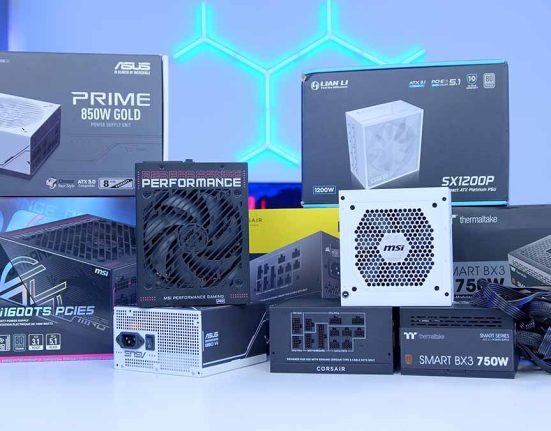

Best Power Supplies 2026 Tom S Hardware 1280 80 . Best PSU Brands In 2026 Reliable Power Supplies You Can Trust Medium. Best PSU For 7900 XT In 2026 Our Top Picks PC Guide Best Power Supplies . Best SSDs To Buy In 2026 GeekaWhat FI Best Power Supplies To Buy In 2026 551x431 . 5 Best PSU Brands Expert Approved For Unmatched Quality Comfortable Product B08M9M6DB9
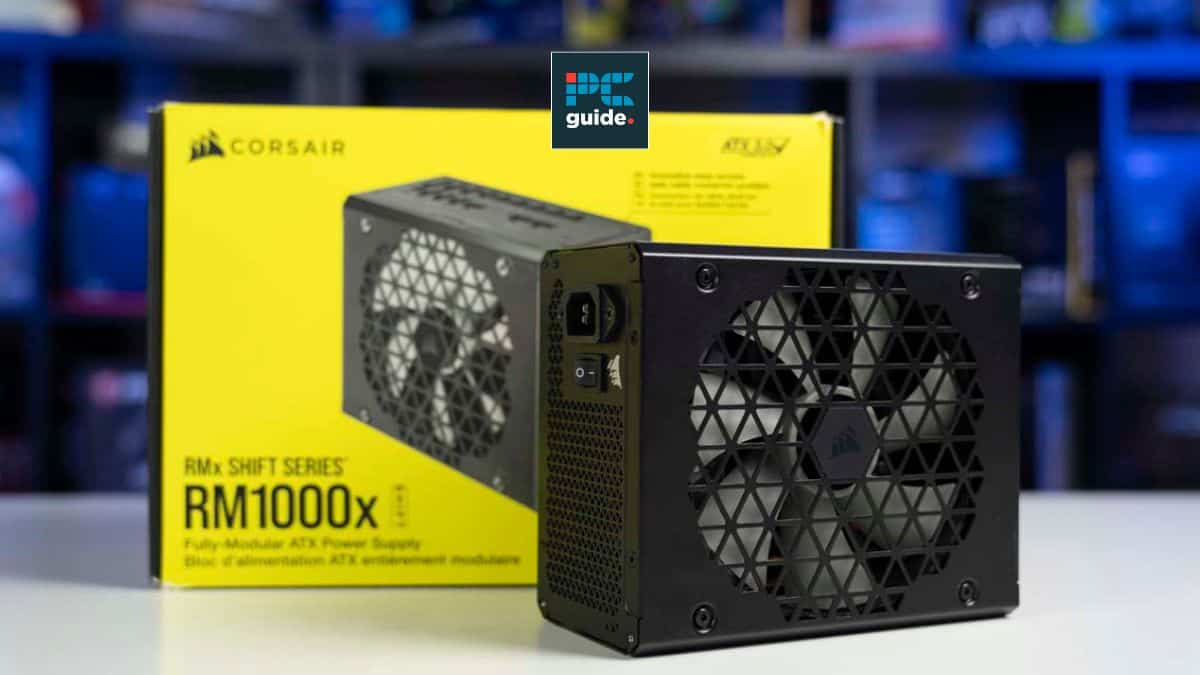




Best PSU For RX 7600 XT In 2026 Our Top Picks PC Guide Best 1000w Psu . Who Really Makes Your Power Supply Hardware Busters Who Really Makes Your PSU . GATE 2026 PSU Recruitment List Released Check Top Hiring Companies Gate 2026 Psu Recruitment List Released Check Top Hiring Companies 11558 Logo. 7 Best PSU Brands For Gamers And Enthusiasts In 2025 Create A Design Showcasing The Best PSU Brands. Use Images Of Power Supply Units And Computer Hardware To Highlight The Technology And Electronics Aspect.webp. PSU Jobs 2026 BHEL ONGC IOCL Salary Selection Guide TrueJobs Top Psu Jobs India 2026 Bhel Ongc Iocl Salary Selection Application Generated
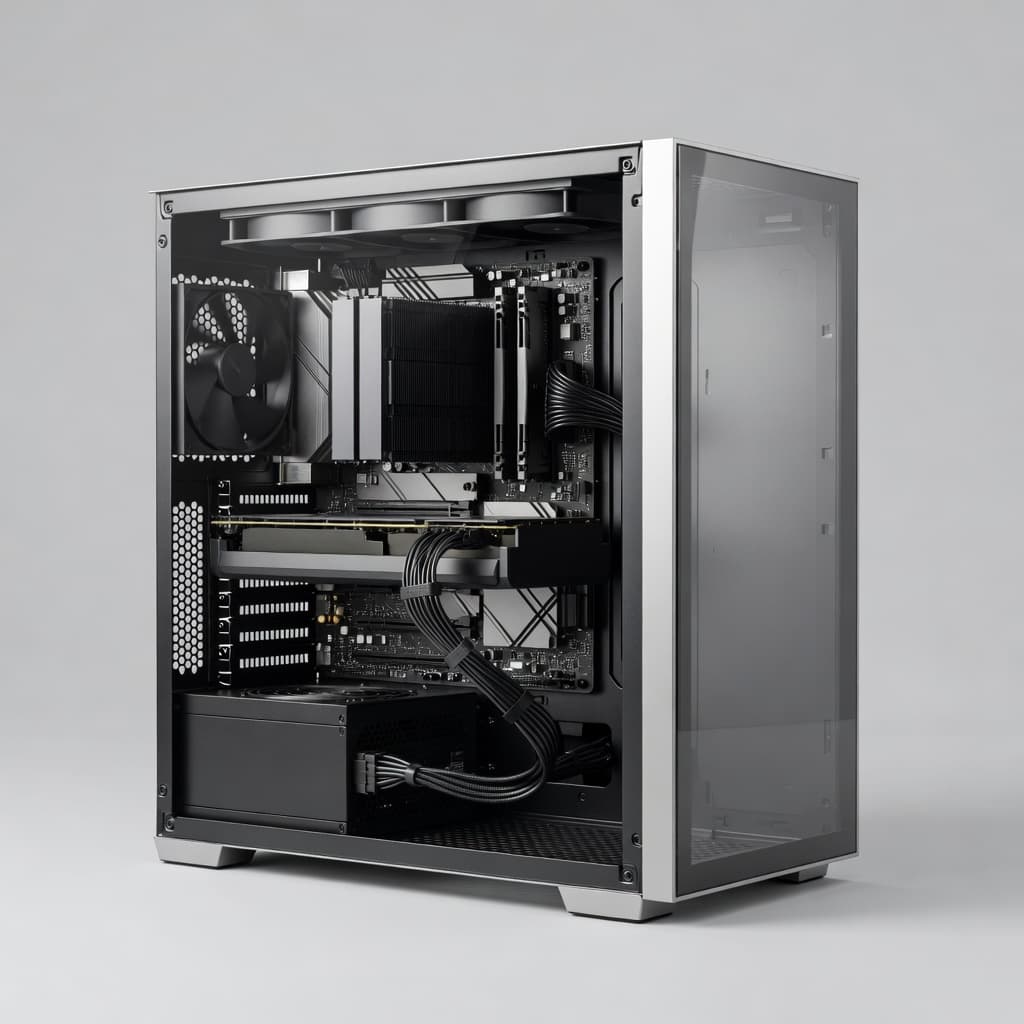


Most Reliable PSU Brands In 2026 And Which One Fits Your Build Reliable Psu Brands 2026 . Best PSU Stocks In India 2026 Top Companies Pocketful Best PSU Stocks In India . The PSU Tier List 2023 Updated With Newer Models 47 OFF Hq720 . Best PSU Stocks For 2026 Top Public Sector Companies To Watch In India Image. 80 PLUS Vs Cybenetics PSU Ratings Explained CORSAIR 2024 PSU Chart PR 2x Size.width 1000.format Webp.webp
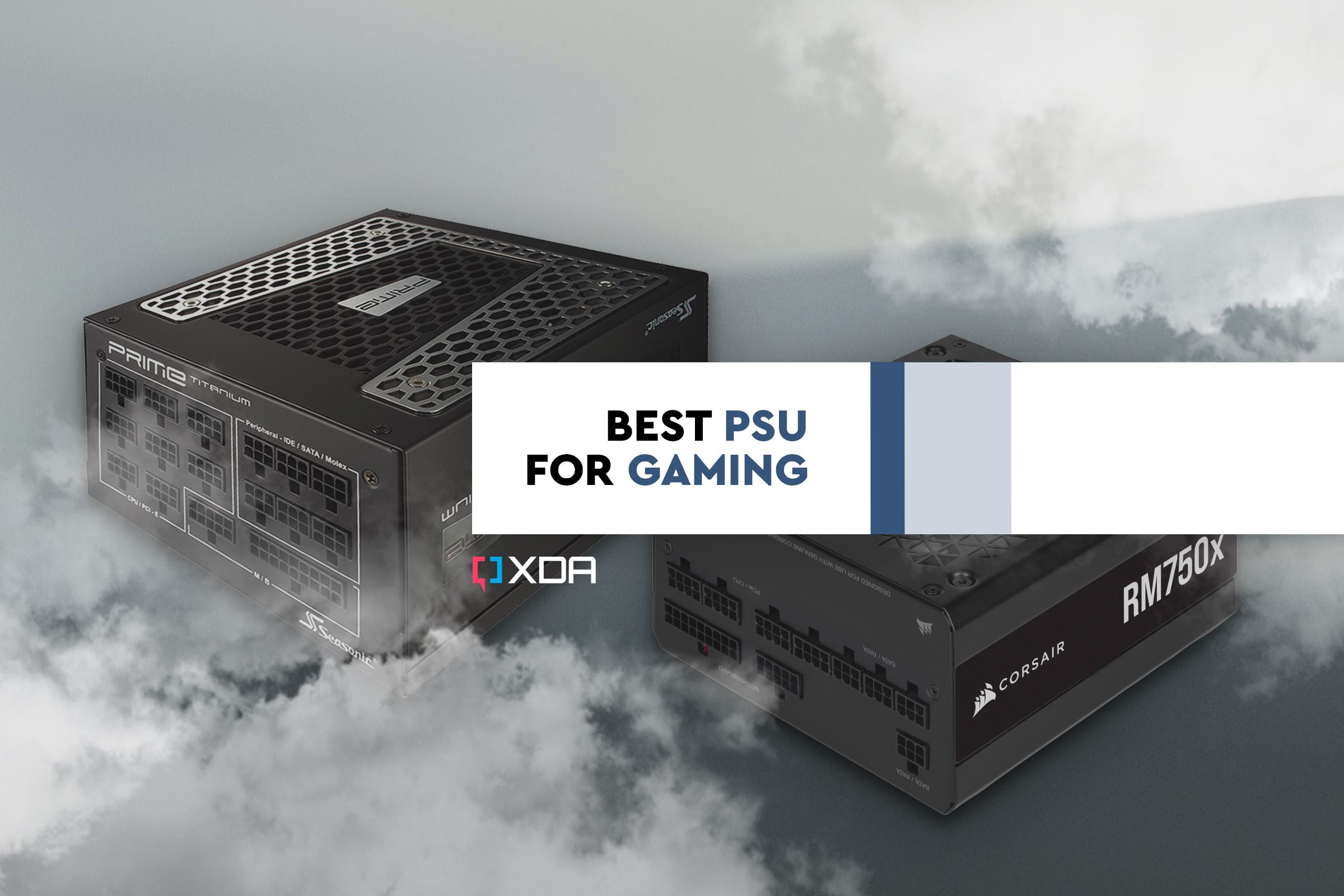

Psu Academic Calender Prntbl Gov Co Best Psu For Gaming . 7 Best PSU Brands For Gamers And Enthusiasts In 2025 Best PSU Brands Featured Image.webp. New PSU Tier List R Buildapc Untitled 1 . Best PSU Brands In 2026 Reliable Power Supplies You Can Trust Medium . Best PSU Models For Gaming And Buying Advice Best Power Supply Black Friday Deal Psu Brand


Best PSU For RTX 3080 In 2026 Our Top Picks Best Psu 7600 Xt . Best PSU For RX 7600 In 2026 Our Top Picks PC Guide Samsung TV Remote Codes Featured Image 40 . 8 Best RGB PSU Cable Extension Kits March 2026 Complete Guide Best RGB PSU Cable Extension Kits 1024x683 . Best 1000W PSU 2026 Find The Perfect High Wattage Power Supply PC Guide Best PSUs For Intel Arc B570 . Top 5 Best PSU Tech Insight Best PSU



Psu Best Prices And Online Promos Jun 2026 Shopee Philippines Sg 11134201 22120. 5 Best PSU Brands Expert Approved For Unmatched Quality Comfortable Product B014W3EM2W . Best PSU Stocks In India 2026 Top 10 Government Stocks By Returns Blog Img 8 1024x576 . Upcoming PSU IPOs 2026 List Of Government Companies Ready For Listing Image. 10 Best Power Supply Unit PSU Brands For PC Computers Tech 21 Century 2021 10 23 12 43 52 Power Supplies CORSAIR 350x60